Project Knowledge
Curate source evidence, approved memory, and reviewable architecture insights
Project Knowledge is the evidence layer used by Archie, analysis, decisions, and documentation. Open it under Documentation → Project Knowledge.
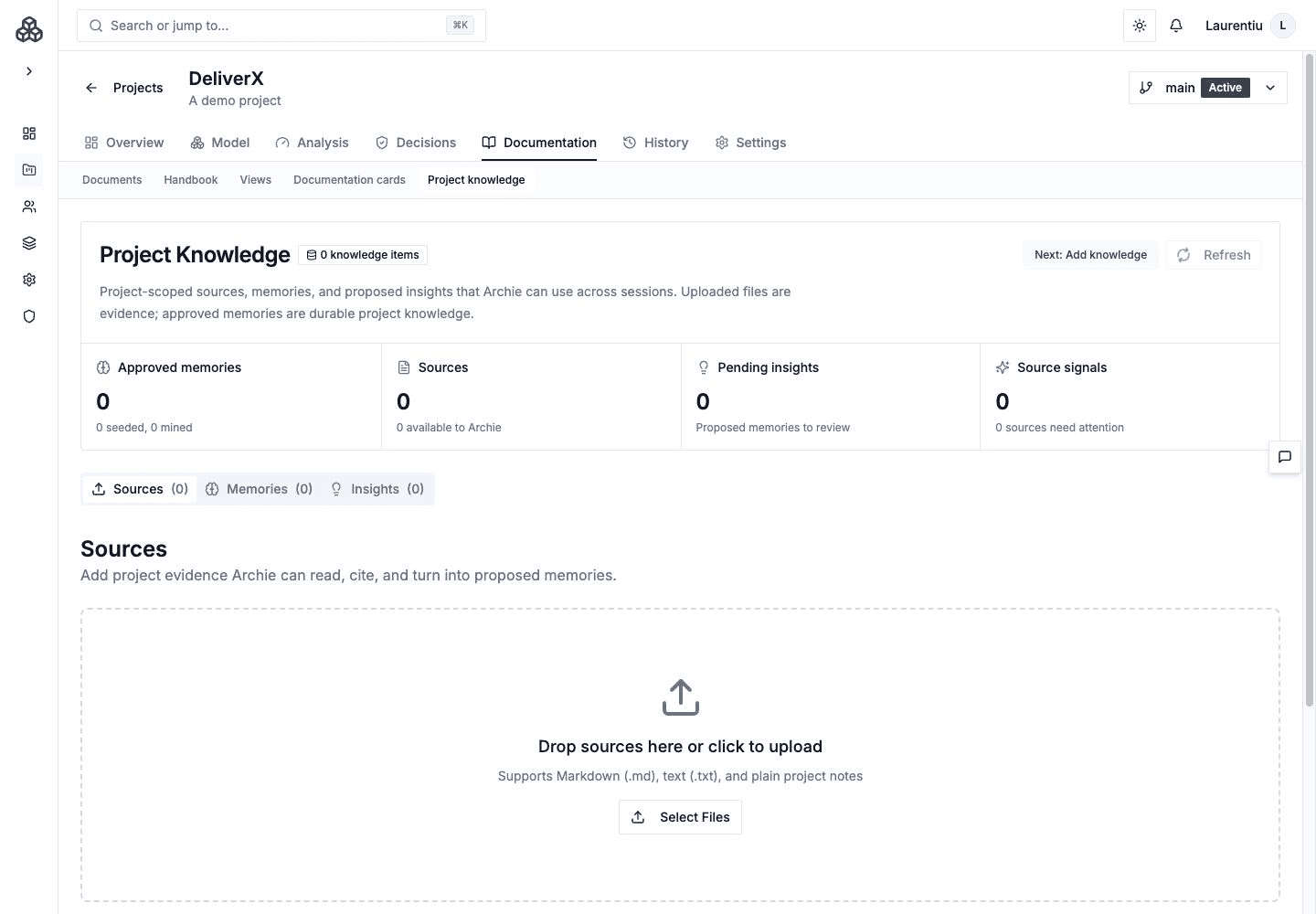
Sources
Sources are uploaded or synchronized evidence. Parse a source to extract candidate systems, relationships, facts, glossary terms, constraints, or other architecture knowledge. Review extraction results before syncing model changes.
Sources remain evidence; importing a document does not automatically make every extracted statement an accepted architectural fact.
Memories
Memories are concise facts or preferences that can influence future Archie work. They can be seeded explicitly or mined from reviewed recommendations and summarized conversations.
Good memories include stable constraints, glossary terms, accepted conventions, stakeholder context, and recurring review preferences. Avoid storing temporary speculation as durable memory.
Insights
Insights are reviewable conclusions generated from project evidence, including sources and decision findings. Approve an insight when it should become durable project knowledge; reject it when the evidence is weak, outdated, or misleading.
Review Workflow
- Add or synchronize source evidence.
- Parse and review extracted candidates.
- Sync intentional model changes through the provided review flow.
- Generate or inspect insights.
- Approve only durable, evidence-backed memories and insights.
- Promote formal conclusions into an Architecture Document or Handbook chapter.