Architecture Cards
Browse reusable architecture patterns, tradeoffs, and review prompts
Architecture Cards provide shared vocabulary for architecture reviews and learning. Open Architecture Cards from the global navigation.
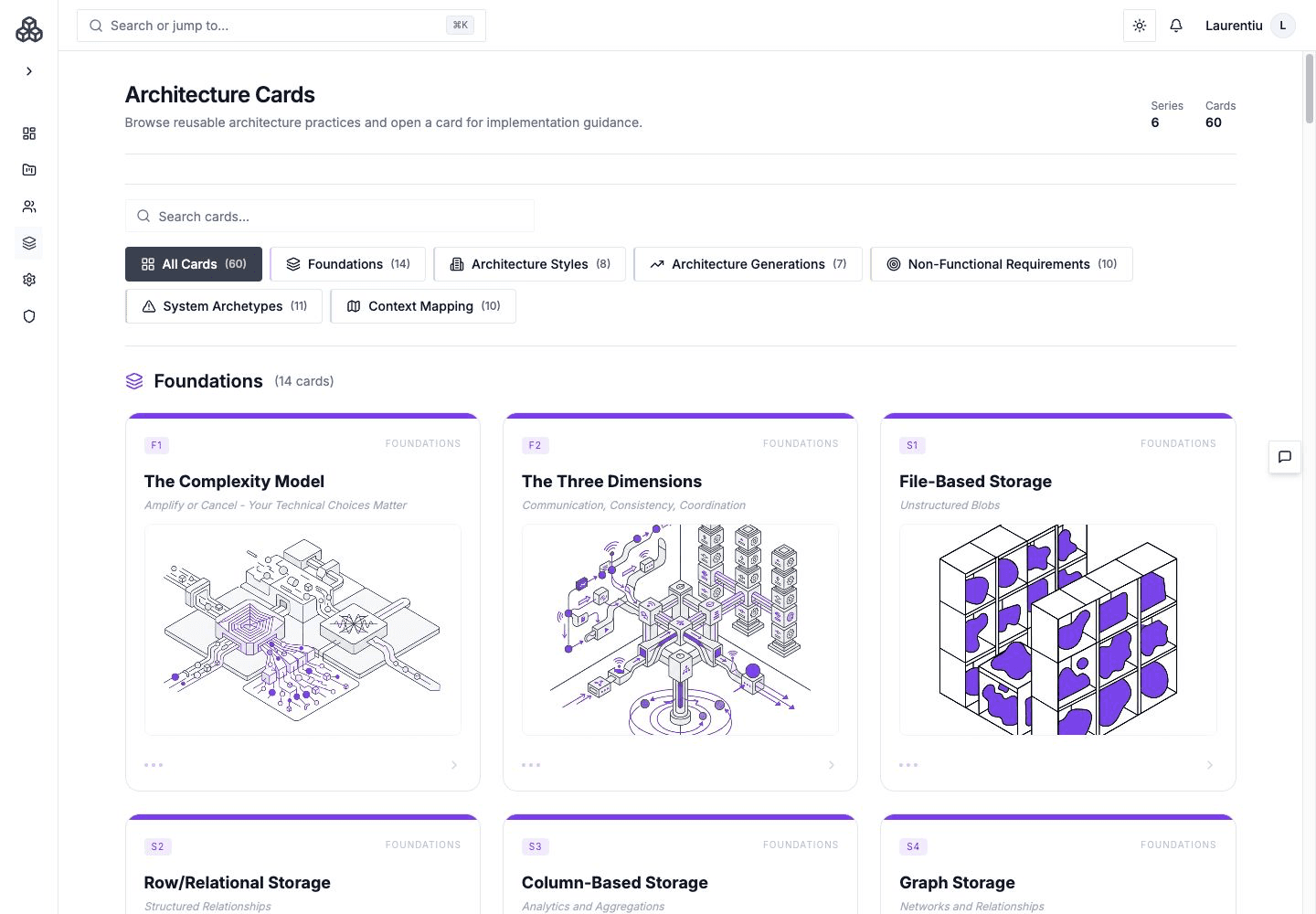
Screenshot captured August 18, 2026, before the latest interface changes. The instructions below describe the current product.
Browse The Library
Cards are organized into series. Browse or filter a series, open a card, and review its purpose, forces, consequences, related patterns, and discussion prompts.
Cards can be assigned to a project, architecture element, Relationship, or Workflow where supported. Assignments belong to the selected architecture version when they describe versioned entities.
Recommendations
Architecture analysis can propose card assignments or removals in Decisions. Review the evidence and selected entity before applying the suggestion.
Read The Visual Vocabulary
Cards use purpose-specific glyphs across Foundations, Styles and Generations, NFRs, Archetypes, and Context Mapping. Open a card to read the idea and follow related cards when comparing alternatives. Treat the graphic as an explanation aid; the written forces and consequences supply the review context.
Illustrations
Administrators can generate or remove supported card illustrations. Illustration is presentation material; the card's written tradeoffs remain the authoritative review content.
Common Uses
- Establish a common review vocabulary.
- Explain why a recognizable pattern fits—or does not fit—a context.
- Attach teaching material to the model where it is relevant.
- Use project cards as a compact statement of architectural identity.
- Link accepted consequences to Handbook decisions and risks.